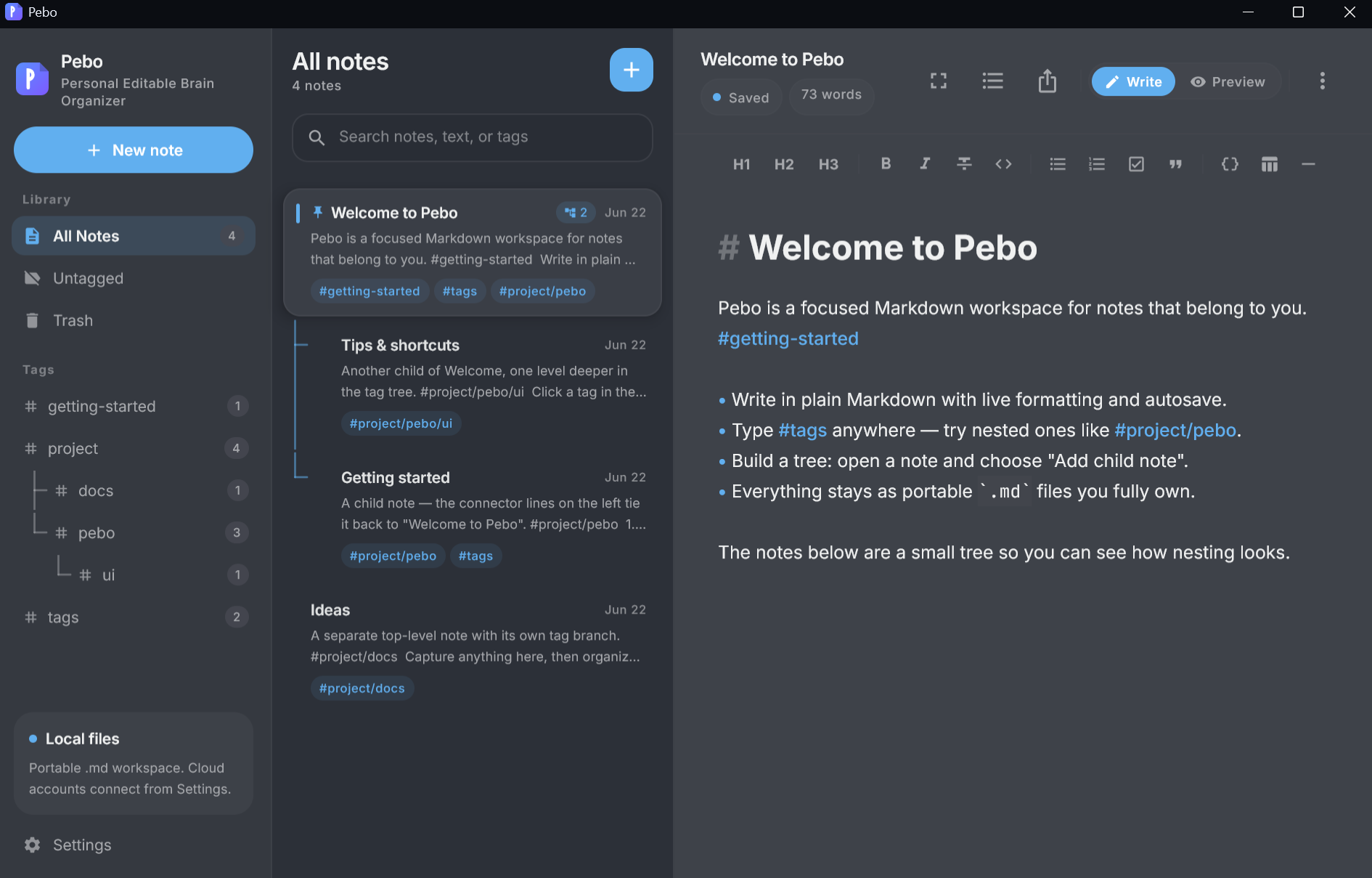
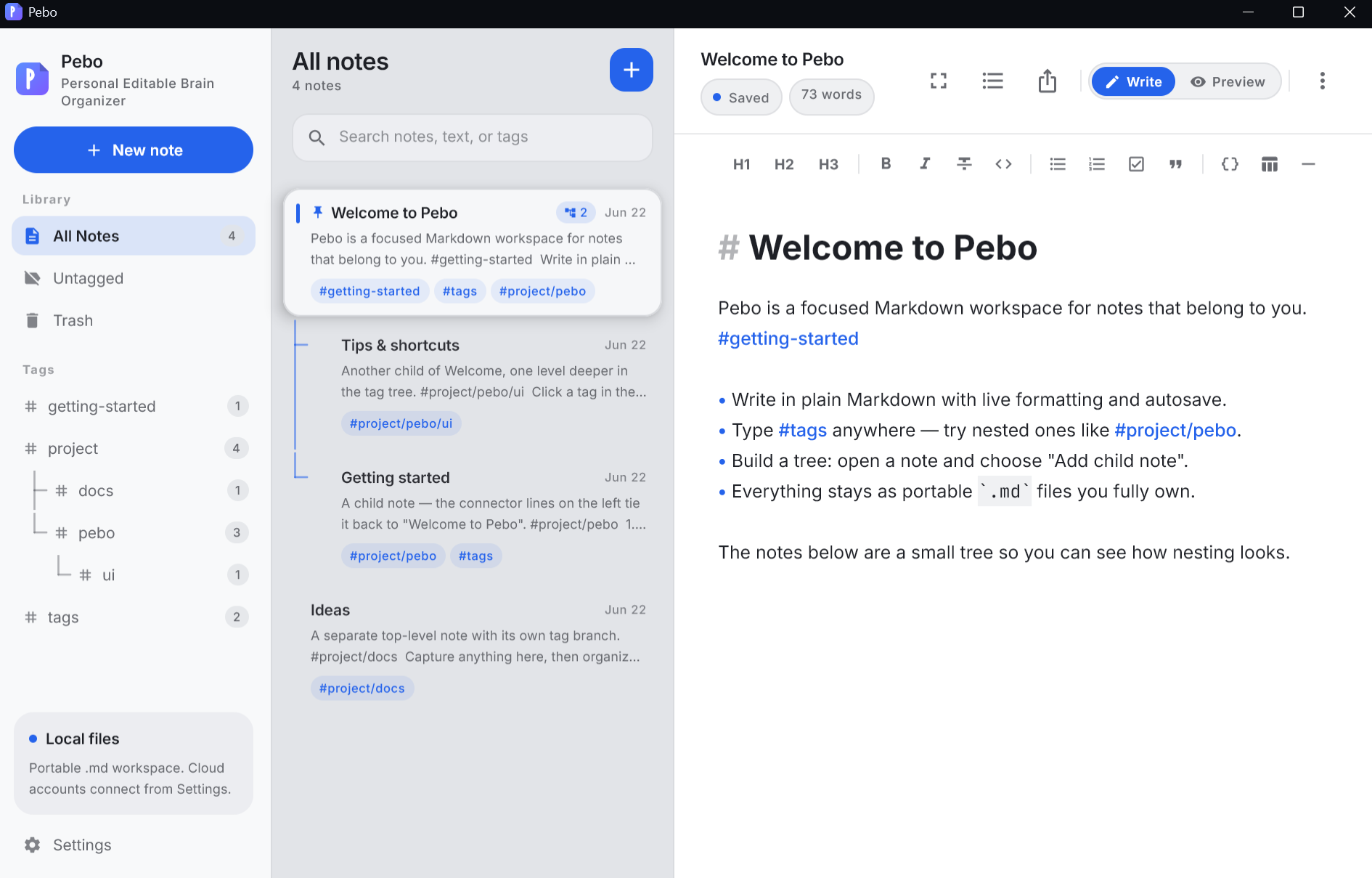
Pebo is a markdown‑first, local‑first notes app for people who love
plain text. Write real Markdown, organize with tags, draw diagrams —
and keep everything as ordinary .md files in a folder you control.
Free & source‑available No account required Works offline
37
Curated themes
376
Tag icons
5
Export formats
100%
Your own files
Features
Everything you need to think in text
A focused writing surface with real Markdown power — and not a single
thing that gets between you and your words.
A real Markdown editor
Foldable headings, bold and italics, links, bullet and numbered lists, task lists, blockquotes, tables, images, and rules. Plain text always stays the source of truth.
# Release checklist
- [x] Tag the build
- [ ] Update the changelog
#work#release
Diagrams, natively
Mermaid flowcharts and sequence diagrams render directly on a Compose canvas inside your note — no browser, no internet round‑trip.
StartBuildShip
Tags that pop
Inline #tags with a nested tag tree, plus 376 named icons so your important tags stand out.
#work #project/pebo #ideas
Command palette
Create notes, switch filters, open settings, and jump around — all from the keyboard.
CtrlK
Export anywhere
Send any note to HTML, PDF, DOCX, JPG, or PNG. Relative images resolve against your notes folder.
HTMLPDFDOCXJPGPNG
Outline with focus
Structure long notes with headings, collapse the sections you are not working on, and dim everything but the current block.
Local‑first & offline
Notes load and save straight from the filesystem. No account to start, no server to run — online or off.
Built for flow
A three‑pane workspace that stays out of the way
Nested tag tree. Branch tags like #project/pebo/ui and navigate your whole library from the sidebar.
Syntax‑highlighted snippets. Paste code and a compact multi‑language lexer lights it up.
Pin, filter & restore. Pin notes, filter by All, Untagged, a tag, or Trash, and restore anything.
Themes
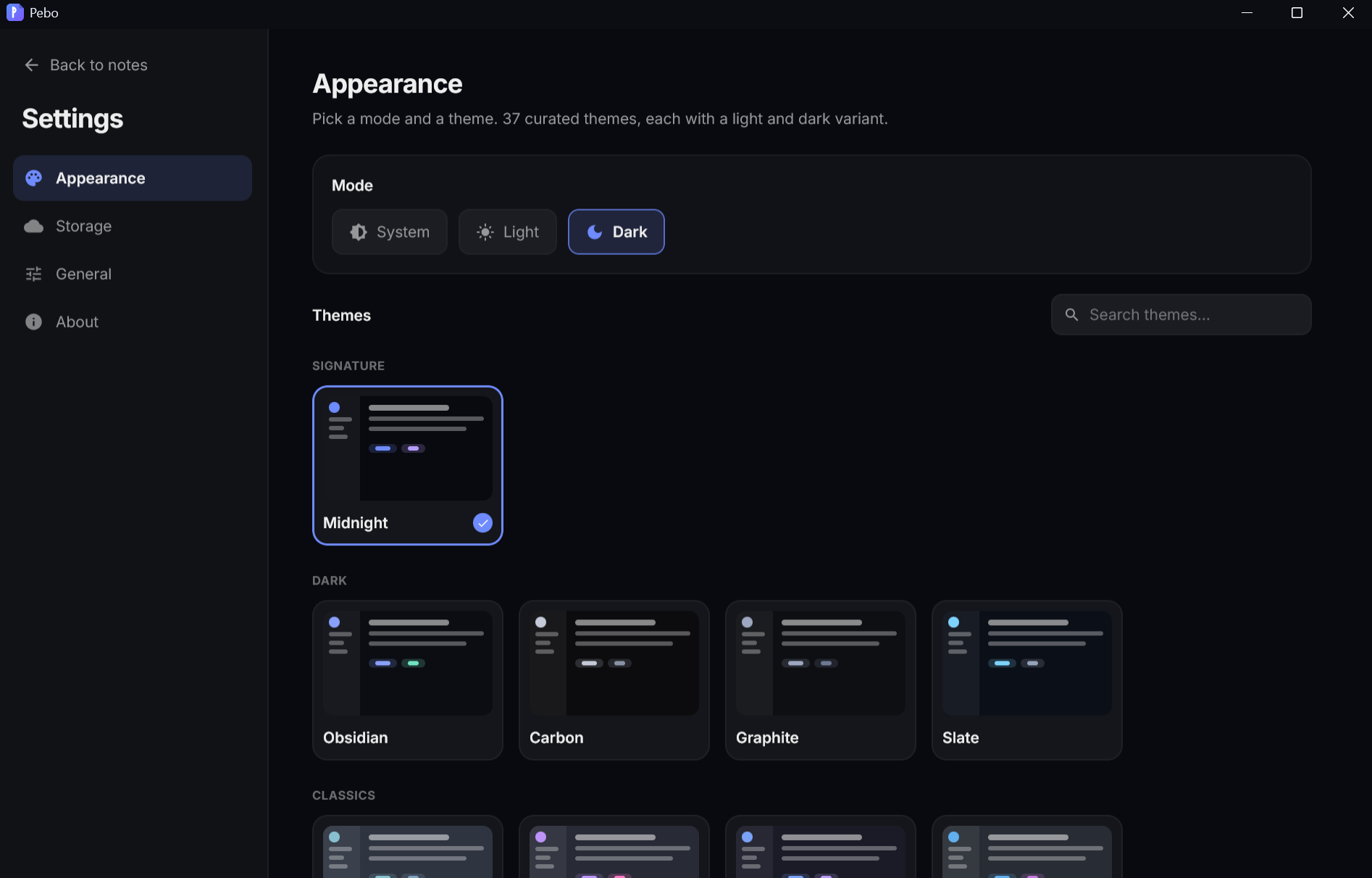
37 themes. Every one in light and dark.
Curated palettes across Signature, Classics, Nature, Warm, Vibrant,
and Light groups. Each ships a full light and dark scheme — set
the app to Light, Dark, or System independently.
Midnight
Obsidian
Nord
Dracula
Tokyo Night
Gruvbox
Solarized
Catppuccin
Rosé Pine
Forest
Deep Ocean
Synthwave
Storage
Bring your own storage
Your notes are plain Markdown on disk — no proprietary database, no
lock‑in. Choose where they live in Settings → Storage.
Active
On this device
Notes saved as .md files in a local folder you pick.
Active
Any folder you choose
Already have a folder of .md files? Pebo adopts them and edits in place.
Built
OneDrive
OAuth PKCE, secure token storage, and two‑way sync — add a client ID to enable.
Built
Google Drive
Same sync engine as OneDrive — add a client ID to enable.
Apple
iCloud Drive
Reserved for iOS and macOS, where Apple entitlements apply.
Pebo never moves or rewrites your files behind your back.
One core, every device
Native apps, shared foundation
Pebo is one Kotlin Multiplatform + Compose codebase — so the same core
ships toward native apps instead of a heavy web wrapper.
WindowsAvailable nowmacOSAvailable nowLinuxAvailable nowiOSPlannediPadPlannedAndroidAvailable now
Pebo is published under the Functional Source License (FSL‑1.1‑ALv2).
Read the code, self‑host it, modify it, and contribute back. Every
release automatically becomes Apache‑2.0 two years after it ships.
 Pebo
Pebo